
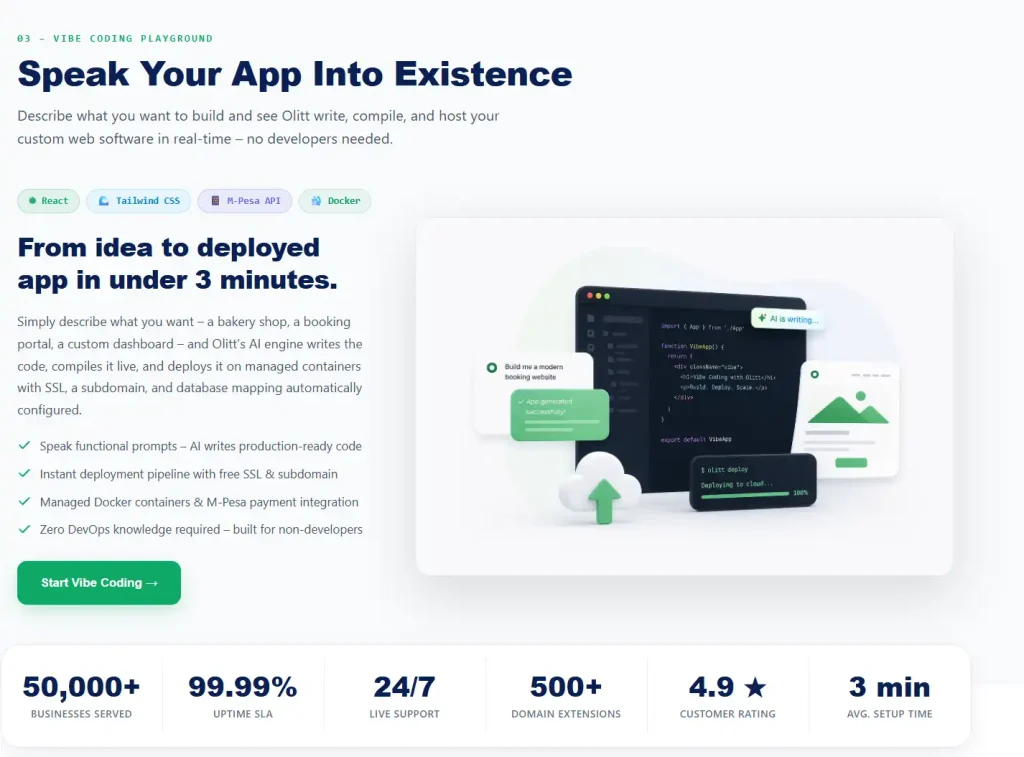
A shop owner in Nakuru types one sentence into an AI tool and gets a working order form in two minutes. Then she wonders if she can trust it with her customers’ phone numbers.
That mix of excitement and doubt sits at the heart of vibe coding. This guide explains what it is, how it works, what it can go wrong, and what it means if you only need a website for your business.
What Is Vibe Coding?
Vibe coding is a way of making software by describing what you want in plain language. An AI model writes the code, runs it, and fixes errors while you guide the result.
You focus on what the program should do, not on how each line works. That is why people with no coding background can now build small tools.
Where the Term Came From
AI researcher Andrej Karpathy, who worked at OpenAI and Tesla, introduced the term in an X post on February 2, 2025. According to a summary of the term’s origin, he described talking to the AI, accepting its changes without reading every line, and pasting errors back until they disappeared.
He saw it as directing more than programming, and as a good fit for throwaway weekend projects. The phrase spread fast, and Tech.co reported that Collins Dictionary named it word of the year for 2025.
How Vibe Coding Differs From Traditional Coding
Traditional coding means a developer writes, tests, and fixes every part of a program. Vibe coding hands much of that work to an AI.
The table below shows the main differences.
| Traditional coding | Vibe coding | |
| Who writes the code | A developer | An AI model, guided by you |
| Skills needed | Programming languages and tools | Clear writing and good judgment |
| Speed for a first draft | Hours or days | Minutes |
| Control over details | High | Lower |
| Best for | Large, secure, long-lived systems | Prototypes, small tools, simple sites |
| Main risk | Slow progress | Hidden errors and weak security |
Neither approach is better in every case. The right choice depends on how important the result is.
How Vibe Coding Works Step by Step
The process is a loop, not a straight line. Each round gets you closer to what you had in mind.
- Describe the goal in plain language, including who will use it.
- Let the AI generate a first version.
- Run it and test every button, form, and screen.
- Ask for changes, one clear request at a time.
- Review the code and settings for mistakes and security gaps.
- Publish only when you trust what you have built.
Three parts make this loop work. A plain-language interface takes your request, an AI model produces the code, and a testing loop checks the result and feeds errors back.
What People Build With It
Beginners and experts alike now use this approach for small, focused projects. The common thread is a clear goal and a limited scope.
- Reporting dashboards. A bookkeeper can turn a spreadsheet into charts that update on demand.
- Portfolio and landing pages. A freelancer can launch a page to show work and collect inquiries.
- Simple calculators. A carpenter can build a tool that adds up materials and waste.
- Booking and order forms. A caterer can take orders without a monthly app fee.
- Small games and prototypes. A designer can test an idea before paying a developer.
Tools such as Lovable and Bolt are popular for this work. Our reviews of the Lovable AI website builder and theBolt AI website builder show how their credits and tokens work.
The Benefits of This Approach
The appeal is easy to see. These are the gains that people report most often.
- Speed. A working prototype can appear in minutes instead of weeks.
- A low barrier. You do not need to learn a programming language first.
- Freedom to experiment. Trying a wrong idea costs a few minutes, not a budget.
- Focus on the goal. You spend your energy on what the tool should do for users.
For testing an idea, that speed is hard to beat. The trouble starts when a prototype quietly becomes a real business tool.
The Risks of Vibe Coding
AI code can look right and still be wrong. Because you may not read every line, mistakes and weak spots can slip through.
| Risk | What it looks like | What to do |
| Security holes | Weak login checks or exposed keys | Review the code and test with care |
| Hidden errors | Features that work in a demo but fail later | Test every path, including bad inputs |
| Less control | Code you cannot explain or fix | Keep requests small and notes clear |
| Slow performance | Pages that work but load slowly | Test speed on a phone |
| Overreliance | Skills that fade over time | Learn the basics as you build |
Questions to Ask Before You Launch
A short checklist can catch most serious problems. Ask yourself these before real customers use anything you built.
- Does it store names, phone numbers, or payment details?
- Who can log in, and what can they see once inside?
- Are any passwords or keys written into the code?
- What happens if someone types strange text into a form?
- Do I have a backup and a person who can fix it?
If you answer maybe to any of these, pause and get help. That small delay costs far less than a data leak.
Vibe Coding vs Vibe Debugging
Vibe debugging is the second half of the job. It means finding and fixing problems in code that an AI or a person wrote.
Use the first for building and experimenting. Use the second before launch, when accuracy and safety count for more than speed.
Writing Prompts That Work
The quality of your result depends on the quality of your request. A vague prompt gives a vague draft, and every redo costs time or credits.
| Prompt quality | Example request | What you tend to get |
| Weak | Make me a website for my bakery | A generic page with invented details |
| Better | Build a one-page site for a bakery in Nakuru with a menu and a map | A usable layout, but with guesses to fix |
| Strong | Build a mobile-first one-page site for a bakery in Nakuru with a price list, opening hours, a WhatsApp order button, and a warm, simple style | A draft close to what you need |
Notice what the strong request includes. It names the place, the device, the key actions, and the feel, so the AI has less to guess.
How to Vibe Code Well
A few habits turn a risky shortcut into a useful tool. They work with any AI builder.
- Write a specific first prompt. Name the users, the screens, the actions, and the style you want.
- Work in small steps. One change at a time makes errors easier to find.
- Test as a stranger would. Click everything, enter odd data, and try it on a phone.
- Keep secrets out of prompts. Never paste passwords or private keys into a chat.
- Save a copy. Export your code or files so you are never locked in.
- Get a human review. Ask a developer to check anything that stores customer data or takes payments.
Where This Approach Is Heading
AI tools keep getting better, so the code they write should improve too. Still, the likely future is help for skilled people, not a replacement for them.
Developers will spend less time on routine tasks and more on design and safety. Beginners will build more small tools, but important systems will still need human care.
Olitt: The Fast Route Without the Code
Olitt combines an AI website builder, domains, and hosting in one account. You answer questions about your business, and the builder creates pages and content that you can edit.
Plans change, so confirm the details in the Olitt pricing section.
- Free plan. An AI-built website, free hosting, basic SEO tools, and an Olitt subdomain.
- AI Website Starter at $6.99 a month. Free SSL, SEO and marketing tools, one business email, DNS management, and version control.
- WordPress hosting from $9.99 a year. A good fit if you prefer the WordPress route.
You still guide the result in plain words, but you do not manage code, servers, or security fixes on your own.
Frequently Asked Questions
What is vibe coding in simple words?
It is building software by describing what you want to an AI, which writes and tests the code. You guide the work in plain language.
Who invented vibe coding?
AI researcher Andrej Karpathy introduced the term in an X post in February 2025. Collins Dictionary later named it word of the year for 2025.
Is vibe coding safe for business websites?
It can be, but only with careful review. A Veracode test found security flaws in 45 percent of AI-generated code samples, so check anything that handles customer data.
Do I need to know how to code to try vibe coding?
No, you can start with plain language. Some technical comfort helps when you need to fix bugs or review security.
What is the difference between vibe coding and vibe debugging?
Vibe coding is for building and testing ideas quickly. Vibe debugging is for finding and fixing problems before you trust the result.
Build Your Website With Olitt Today
If you want the speed of AI without the code, you can start in minutes. Olitt gives you an AI website builder, domains, hosting, and business email in one place.
Start free, publish your first pages this week, and upgrade only when your business is ready. Your customers are already searching for you, so give them a site worth finding.